How to Complete Launch the Rocket in Canny Valley
Launch the Rocket in Canny Valley is the transition mission used at the end of Canny Valley progression to open the route into Twine Peaks. The mission is not just a single activation. You must find the rocket, collect 9 BluGlo, fuel it in three separate deposits and successfully defend all three launch stages.
This guide explains exactly how to complete Launch the Rocket in Canny Valley, including the BluGlo requirement, defense timings, a practical fort layout and what to do if the mission is not counting for Twine access. Build the fort before the first deposit because the later stages give you less room to recover from a weak wall or an uncovered approach.
How to complete Launch the Rocket in Canny Valley
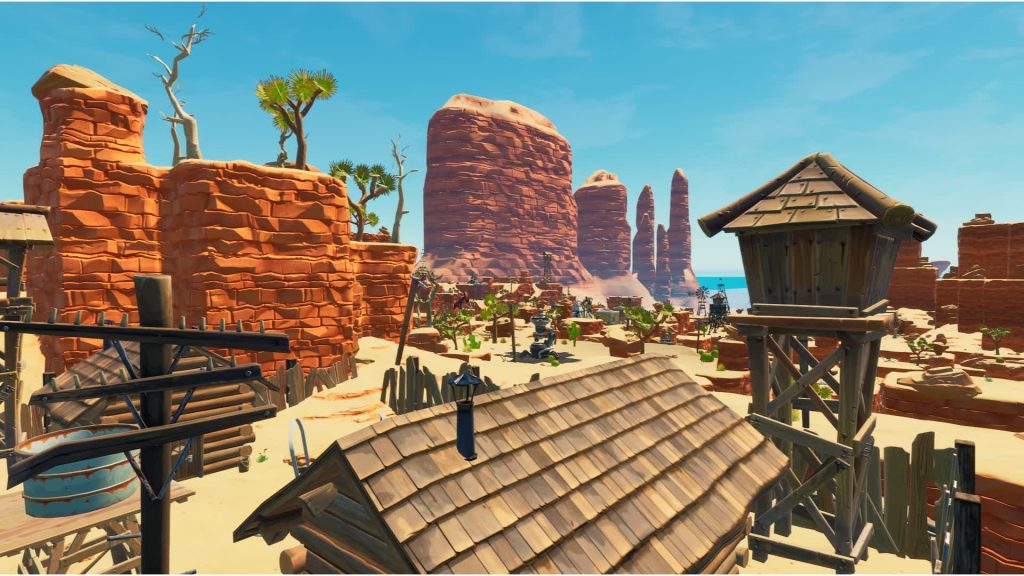
How to Complete Launch the Rocket in Canny Valley Image Epic Games.
- Make sure the active quest is Time to Blast Off or the Canny transition objective that requires the rocket mission.
- Load into the required Launch the Rocket mission in Canny Valley.
- Locate the launchpad, then search the map until the team has at least 9 BluGlo.
- Before depositing BluGlo, build a full objective shell with walls and a roof.
- Create a controlled approach and place traps where Husks are forced to travel.
- Deposit the first 3 BluGlo and defend the rocket for 2 minutes.
- Repair the attacked side, deposit the second 3 BluGlo and defend for 3 minutes.
- Repair again, deposit the final 3 BluGlo and defend for 4 minutes.
- Finish the mission successfully and return to the map to continue into Twine Peaks.
The best way to build around the rocket
For Launch the Rocket in Canny Valley, start with a compact shell and leave enough space outside it for trap tunnels. The rocket is tall, so do not rely on one low wall as your entire defense. Roof vulnerable sides, watch for Flingers and Lobbers, and keep line of sight so you can eliminate Mist Monsters before they reach the objective.
- Use upgraded metal or stone for the objective shell unless the active enemy element makes another material more sensible.
- Place slowing or freezing traps before the main damage tiles so enemies remain inside the tunnel longer.
- Use ceiling and wall damage together instead of stacking one trap type on every tile.
- Keep a Tar Pit or strong burst weapon near the rocket for Smashers.
- Repair immediately after each stage instead of waiting for the next attack to begin.
BluGlo requirement and defense timings
Launch the Rocket in Canny Valley uses 9 BluGlo in total. The rocket accepts the fuel as three deposits of 3 BluGlo. The corresponding defense stages last 2 minutes, 3 minutes and 4 minutes, which means the third stage is twice as long as the first and is usually where poor durability or an ignored side causes the mission to collapse.
Collect all 9 BluGlo before the first defense if possible. That avoids sending someone across the map between stages while the rest of the team is repairing. If you are solo, having the full fuel requirement ready before starting is even more important because every minute spent farming after stage one is time you are not checking the build.
Why the rocket mission is not unlocking Twine Peaks
If Launch the Rocket in Canny Valley finishes but Twine Peaks is still unavailable, check the quest log first. The intended transition comes after Canny Valley Storm Shield Defense 6 and the Time to Blast Off progression. A random rocket mission completed before the active transition quest will not necessarily replace the required campaign step.
After the successful progression run, the next major step is Twine Peaks Storm Shield Defense 1. Epic’s official Fortnite Save the World page has current mode information, while the linked Canny and Twine guides below cover the progression on either side of Launch the Rocket in Canny Valley.
For Launch the Rocket in Canny Valley, use the failed wave as information. The objective that took damage, the enemy that caused it and the route Husks actually followed tell you exactly what to reinforce before the next attempt.
For Launch the Rocket in Canny Valley, use the failed wave as information. The objective that took damage, the enemy that caused it and the route Husks actually followed tell you exactly what to reinforce before the next attempt.
For Launch the Rocket in Canny Valley, use the failed wave as information. The objective that took damage, the enemy that caused it and the route Husks actually followed tell you exactly what to reinforce before the next attempt.