How to Get Help With Storm Shield Defense
The easiest way to get help with Storm Shield Defense is to prepare the Homebase first, then launch the defense with other players in your party or use the available public assistance options before starting the wave. Helpers can fight and revive immediately, while building access is controlled separately by the Storm Shield owner.
Do not invite people into an unprepared base and expect them to build the whole defense while the timer is running. Storm Shield assistance works best when the owner has already repaired the objectives, placed the basic trap lanes and knows which amplifier is likely to need attention.
How to get help with Storm Shield Defense
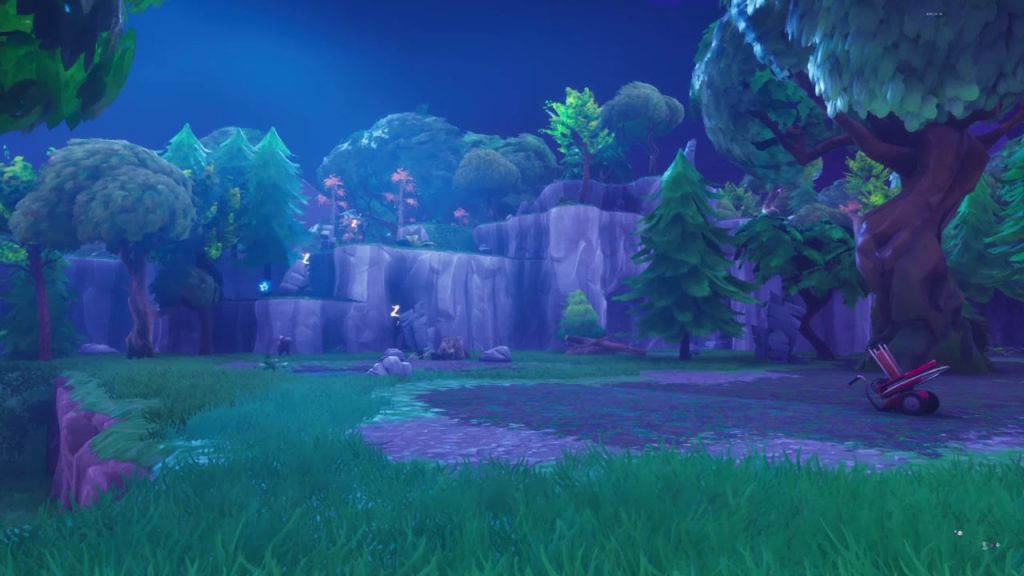
Get help with storm shield defense Image Epic Games.
- Enter the Storm Shield and repair the permanent base before inviting anyone.
- Invite friends to the party before launching if you already know who is helping.
- If helpers need to build, open the Storm Shield console and grant building permission to the players you trust.
- Start the defense only when everyone has loaded into Homebase and reached the objective area.
- Call out the active amplifier as soon as each wave begins.
- Have one player focus on Mist Monsters while another watches repairs and objective pressure.
- Revoke building access afterwards if you do not want it left enabled for future visits.
What matters most before you start
- Storm Shield building permissions are separate from simply being present in the mission.
- Helpers do not need permission to shoot enemies or revive players, but they do need permission if you want them editing or placing structures in your Homebase.
- The owner should keep control of the permanent base because every change remains for later SSD, Wargames and Endurance runs.
For get help with Storm Shield Defense, preparation saves far more time than reacting after the defense has already begun. Check the quest state, objective build and materials before committing to the run.
Common problems and fixes
If nobody is joining, do not start repeatedly with an empty public lobby and burn through trap durability. Invite a friend directly, use the relevant assistance or community option available to you, and make sure your privacy and matchmaking settings are not preventing other players from joining.
If you are still trying to get help with Storm Shield Defense, change one failure point at a time. That makes it much easier to tell whether the problem is account progression, mission selection, pathing, trap durability or simply starting the defense before the base is ready.
What to do after the objective is complete
Once you get help with Storm Shield Defense, return to Homebase and check that the quest or zone transition has actually registered before starting another mission. Save any working Storm Shield lanes because the same permanent base is reused for later defenses.
For current mode information, see Epic’s official Fortnite Save the World page. The guides linked below cover the next practical steps on Save The World DB.
For get help with Storm Shield Defense, the most useful final check is simple: confirm the objective shell is repaired, the active approach has a clear trapped route, and your materials are full before you press Expand Shield.
A clean get help with Storm Shield Defense run is usually decided before the first Husk reaches the objective. Repair first, test the path second, then start only when you can move between the active defense points without fighting your own build.
If get help with Storm Shield Defense keeps failing at the same point, change that exact lane rather than rebuilding the entire Storm Shield. One extra slowing tile, a better wall trap angle or a clearer funnel is often more useful than covering every surface in traps.