How to Use the Collection Book in Save the World
The Collection Book in Save the World is where you slot Schematics, Survivors and Heroes to increase Collection Book progress and earn rewards. The important catch is that an item you slot is removed from your active Schematics, Survivors or Heroes inventory, so it is worth checking duplicates before you confirm anything.
Using the Collection Book in Save the World is simple once you know the menu path: open Command, choose Collection Book, browse to the correct item group, select the entry and use Select item to slot. The confirmation screen shows the owned copy that will be removed from active use.
How to add an item to the Collection Book in Save the World
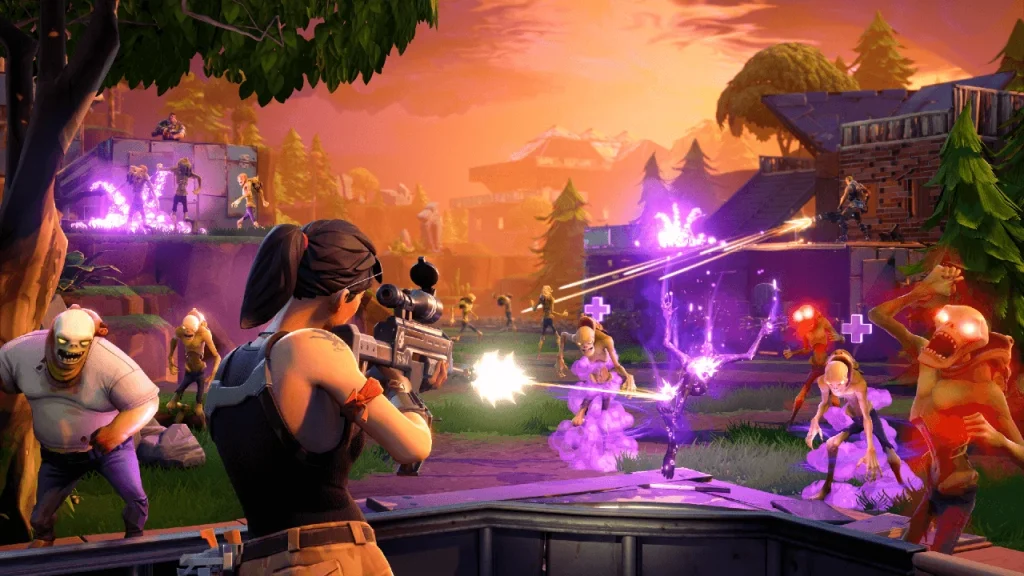
Collection Book in Save the World Image Epic Games.
- Open the Command tab in Save the World.
- Select Collection Book.
- Open the section for the type of item you want to add. Schematics, Survivors and Heroes can be slotted.
- Choose the Collection Book entry you want to fill.
- Select the option labelled Select item to slot.
- Choose the owned copy you want to use, select it, then confirm the action.
- Return to the Collection Book level screen to see the progress and any rewards you have unlocked.
What happens to a slotted item
When you put something into the Collection Book in Save the World, that copy no longer appears in the normal Schematics, Survivors or Heroes inventory. This is why duplicates are usually the safest things to slot. Do not send your only upgraded Commander, a Survivor currently holding an important squad position, or a weapon schematic you actively craft without checking first.
The Collection Book is a progression system, not extra storage. Slotting an item means choosing collection progress over immediate access to that copy. Epic specifically recommends slotting items you do not plan to use or duplicates.
How to remove something later
Items in the Collection Book in Save the World can have an Unslot option. The game shows the current cost before you confirm, and Epic notes that some entries can be unslotted for free while others require Legendary Flux. Always read the current confirmation screen because the cost is attached to the specific action you are taking.
What should go into the Collection Book first?
- Duplicate Heroes after you are sure the extra copy is not needed for another purpose.
- Duplicate Survivors that are not part of your active squads.
- Duplicate schematics when you already have the version you intend to level and use.
- Low-priority collection pieces that unlock a useful Book reward without weakening your account.
Avoid treating every new item as immediate Collection Book fodder. The Collection Book in Save the World is most useful when you can fill it without weakening the loadouts, Survivor Squads and schematics that are carrying your current progression.
Collection Book research and vouchers
The Collection Book in Save the World is also where older event items can be recruited or researched when their entry supports the required currency. Hero Recruitment Vouchers and Weapon Research Vouchers are examples, but not every entry uses the same cost. Open the exact item and read the Recruit or Research requirement before spending Flux or a voucher.
Epic provides the current slotting steps on its Collection Book support page. If your menu differs from an old video, follow the labels shown in the current client rather than assuming the older Armory layout is still identical.
One practical rule for Collection Book in Save the World is to check the reward or upgrade screen before starting a long farming session. Save the World exposes the actual requirement on the current account, which prevents wasting time on an old resource, a locked tier or a mission type that cannot progress the objective.
One practical rule for Collection Book in Save the World is to check the reward or upgrade screen before starting a long farming session. Save the World exposes the actual requirement on the current account, which prevents wasting time on an old resource, a locked tier or a mission type that cannot progress the objective.