Save the World Solo: Can You Play Alone?
Save the World solo play is completely possible, even though the campaign was built with co-op in mind. Yes. Epic describes Save the World as playable solo or with up to three friends, so you can complete the campaign without joining a public squad. The current answer is much simpler than many older Save the World guides suggest, but the details still depend on platform support, account setup and the way you launch the mode.
Playing alone changes the workload rather than the basic rules. You still build, craft, defend objectives and complete quests, but every combat and construction task falls on you unless you use Defenders where they are allowed. Save the World solo play works by launching a mission without filling the remaining party slots with public players. Save the World still keeps its own Homebase, campaign quests, Schematics, Survivors and Power Level even though it sits inside the wider Fortnite client.
How Save the World solo play works

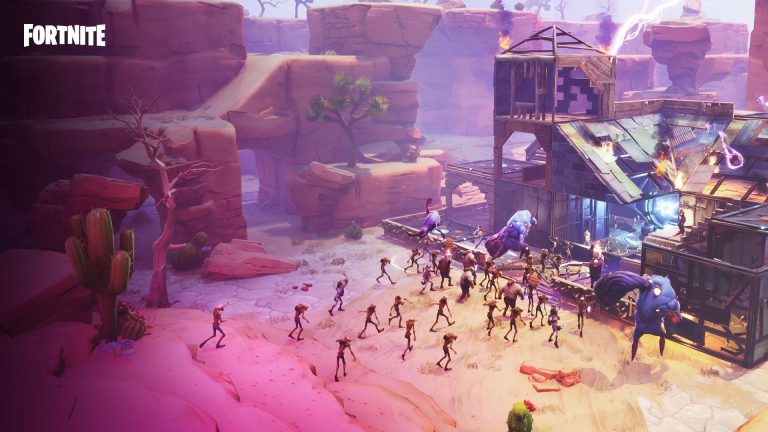
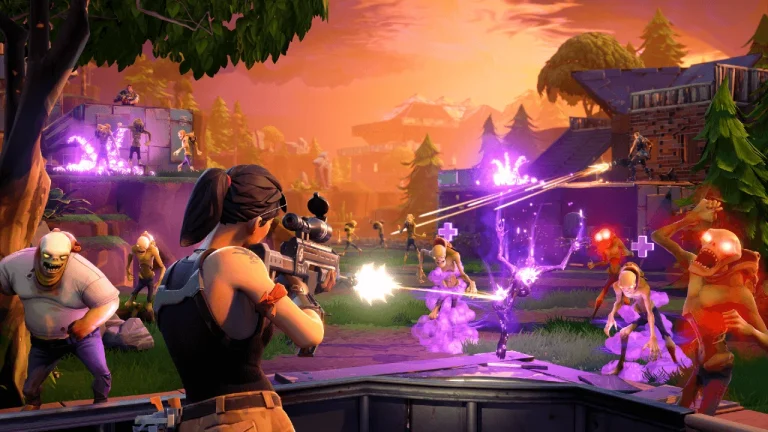
Save the World solo Image SaveTheWorldDB.
Yes. Epic describes Save the World as playable solo or with up to three friends, so you can complete the campaign without joining a public squad. For Save the World solo missions, your own build, traps, weapons and Hero loadout have to carry the full objective. Playing alone changes the workload rather than the basic rules. You still build, craft, defend objectives and complete quests, but every combat and construction task falls on you unless you use Defenders where they are allowed. That is why old purchase screens and platform lists are no longer a reliable description of how a new player enters the mode today.
Save the World solo progression still uses the same quests and mission rewards as cooperative play when the objective itself is available to you. Your Battle Royale level does not control Save the World campaign progression, and moving between supported systems does not create a fresh Homebase when the same Epic account is linked correctly.
What changes when you play alone
A good Save the World solo setup becomes more important as enemy pressure rises because nobody else is there to repair, build or cover another approach. Before changing settings or reinstalling anything, confirm that Fortnite is updated, that you are signed into the intended Epic account and that the device itself is supported. Those three checks solve or explain a surprising number of access problems.
Steps to use the current setup
- Choose the mission you want to run.
- Set your party or matchmaking option so other players are not filled into the mission.
- Bring enough weapons, ammunition, traps and building materials for the objective.
- Use Defenders where the mission and available Defender posts allow them.
Solo is especially comfortable for exploration, quest collection and lower-pressure missions. Objective defenses, high-level four-player missions and difficult endgame activities demand much more preparation when no other Commander is present. If a Save the World solo mission feels inefficient, switching to Fill is often quicker than overbuilding an objective you could comfortably share with a team. Read the current on-screen wording when Fortnite presents a download, party or entitlement message because that is more useful than following a screenshot from an older version of the game.
Common problems and fixes
Do not confuse solo with offline. A solo Save the World session still connects to Epic services and requires an internet connection. If the servers or your connection are unavailable, the campaign cannot be played locally. Save the World solo does not mean offline play, so Fortnite still needs an internet connection even when no other Commander joins the mission. If the problem is broader than STW, test another Fortnite experience as well so you can tell the difference between a Save the World-specific issue and a general connection or account problem.
A lot of Save the World information online was written when the mode still required a purchase or before Switch 2 support existed. Use the date of a guide as context, particularly when it talks about buying access, unsupported hardware or XP systems that were changed during 2026.
What to do next
Once everything is working, let the early Stonewood quests introduce the systems in a sensible order. Complete the campaign objectives, learn how mission rewards work and start improving Survivor Squads instead of trying to max every Hero or Schematic immediately. The Save the World beginner guide is a useful next step from there.
You can also use the missions database and quest database once the campaign starts opening up. Those pages make it much easier to connect a new-player question with the live mission and progression data already on SaveTheWorldDB.
Save the World solo play is also a good way to learn exactly which parts of a defense you can handle yourself before relying on public teammates.
For Save the World solo, use the current Save the World menus and rewards as your reference point. That keeps this guide useful even when an older interface screenshot or pre-2026 explanation uses different wording for the same part of progression.
For Save the World solo play, Epic’s official Save the World page confirms that the campaign can be played alone or with up to three friends.