How to Unlock 4-Star Evolution in Save the World
4-Star Evolution in Save the World is unlocked by campaign progression, not by collecting enough evolution materials. The specific milestone is Canny Valley Storm Shield Defense 6, which rewards access to that evolution tier.
That means the fix for a locked evolution button is straightforward: reach Canny Valley, complete Storm Shield Defense 6, then return to the item or character you were trying to evolve. 4-Star Evolution in Save the World will still require the normal level and material costs after the account-wide tier is unlocked.
How to unlock 4-Star Evolution in Save the World

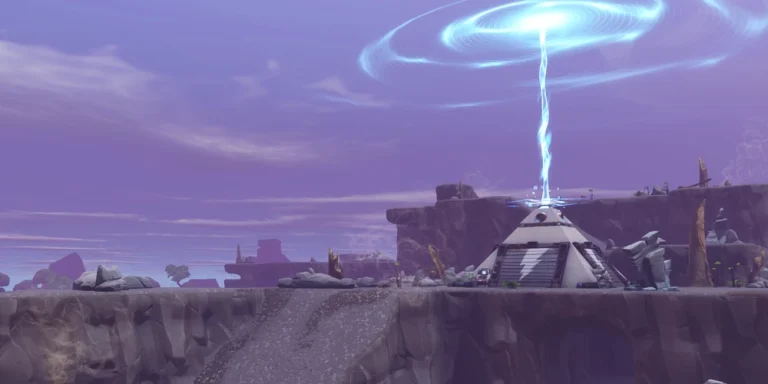
4-Star Evolution in Save the World Image Epic Games.
- Progress the main Save the World campaign until Canny Valley is available.
- Continue the Canny Valley quest path until Storm Shield Defense 6 is ready.
- Build and prepare the Canny Valley Storm Shield before launching the defence.
- Successfully complete Canny Valley Storm Shield Defense 6.
- Return to Homebase and open the Hero, Survivor or Schematic you want to evolve.
- Level it to the cap for its current tier, open View Evolution and pay the listed materials to use 4-Star Evolution in Save the World.
What 4-Star Evolution in Save the World unlocks
4-Star Evolution in Save the World is the late-Canny evolution tier and the point where higher-tier weapon evolution options open. Once the account-level unlock is active, eligible Heroes, Survivors, Defenders, weapons and traps can move into the new tier when they meet their individual upgrade requirements.
The star unlock itself does not automatically evolve everything you own. Each item or character still needs to be upgraded separately, and each evolution consumes the resources shown on its own screen.
Why 4-Star Evolution in Save the World is still locked after the SSD
If 4-Star Evolution in Save the World does not appear immediately after the defence, return fully to Homebase and reopen the relevant upgrade screen. Also make sure you completed the correct Canny Valley SSD on your own progression rather than only joining another player’s defence.
Another common confusion is trying to evolve something that has not reached the level cap for its current star tier. The account may have the next tier unlocked while that individual item still needs more People XP or Schematic XP first.
What to prepare before the unlock
- Keep a reserve of Pure Drops of Rain and the higher storm evolution materials.
- Save People XP for Heroes and Survivors you intend to keep.
- Save Schematic XP and Schematic Manuals for the weapons and traps you actually use.
- Do not evolve weak duplicates only to spend resources before the next zone.
Using 4-Star Evolution in Save the World efficiently
Once 4-Star Evolution in Save the World is available, prioritise the upgrades that directly improve your current progression. Strong Survivor Squads improve account strength, a reliable Hero loadout keeps missions manageable, and a small set of well-built weapon and trap schematics is more useful than spreading resources across an entire collection.
The current levelling system uses People XP for Heroes and Survivors and Schematic Manuals when evolving schematics after the v40.00 changes. Epic explains the newer resource system in the official progression update. That distinction matters when following older videos about 4-Star Evolution in Save the World.
One practical rule for 4-Star Evolution in Save the World is to check the reward or upgrade screen before starting a long farming session. Save the World exposes the actual requirement on the current account, which prevents wasting time on an old resource, a locked tier or a mission type that cannot progress the objective.
One practical rule for 4-Star Evolution in Save the World is to check the reward or upgrade screen before starting a long farming session. Save the World exposes the actual requirement on the current account, which prevents wasting time on an old resource, a locked tier or a mission type that cannot progress the objective.