How to Change Weapon Elements in Save the World
Weapon Elements in Save the World can be changed on eligible schematics through the Perk Recombobulator. This is useful when a weapon is good but its current element does not suit the elemental enemies you are preparing to fight.
The element sits in a dedicated perk slot on weapons that support elemental modification. You need the Recombobulator unlocked, then the element-specific resources shown by the game before the change can be confirmed.
How to use Weapon Elements in Save the World

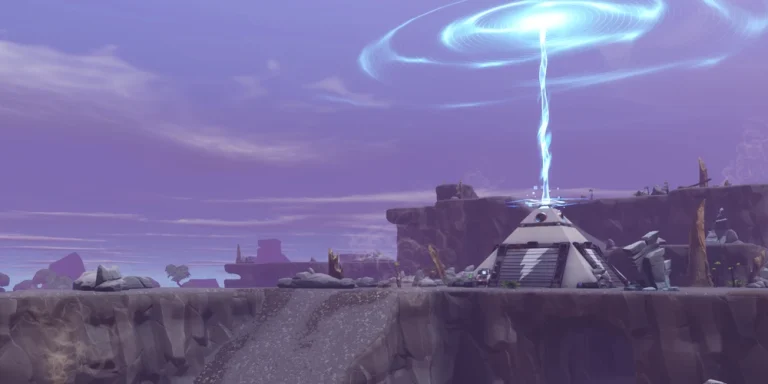
Weapon Elements in Save the World Image Epic Games.
- Unlock the Perk Recombobulator by completing Plankerton Storm Shield Defense 2 and its tutorial side quests.
- Open Armory, Schematics and select the weapon schematic.
- Choose Upgrade/Inspect and open Modify Perks.
- Select the elemental perk slot.
- Choose one of the elements the schematic actually allows.
- Check the required elemental resource, such as FIRE-UP, AMP-UP or FROST-UP, plus any other cost shown.
- Confirm the change and craft a new copy of the weapon when you are ready to use the updated schematic.
Where elemental upgrade resources come from
Epic introduced FIRE-UP, AMP-UP and FROST-UP as the resources used for elemental modification. They can appear through mission rewards and repeatable progression, so check the current mission map when you need a specific type.
Do not assume a weapon can take every element. The allowed choices are controlled by the schematic, and special weapons can have fixed or restricted elemental behaviour.
When changing an element is worth it
Element matching matters more as mission difficulty rises. A useful approach is to keep important schematics in elements that cover different enemy types rather than converting the same weapon back and forth every time the map rotates.
Always look at the mission modifier before crafting. Changing a schematic is permanent until you pay to change it again, so it is better to make the decision from your overall weapon collection rather than one mission.
Quick checks for Weapon Elements in Save the World
- Work from the permanent schematic in the Armory.
- Confirm the Recombobulator is unlocked before farming perk resources.
- Preview the cost and the allowed replacement list before confirming.
- Keep a copy of your intended build in mind so you do not spend rare materials on a temporary experiment.
Epic explains the current unlock point and the Modify Perks path on its Save the World perk support page. Weapon Elements in Save the World are controlled by the options shown on the individual schematic, so the in-game list should always win over an old build screenshot.
For a quick check, Weapon Elements in Save the World should be treated as part of the same progression system described above: verify the unlock requirement, use the correct Homebase menu, and read the current in-game cost or reward before you confirm anything.
That also makes Weapon Elements in Save the World easier to troubleshoot: if the expected button or reward is absent, work backwards through the prerequisite shown in the guide instead of spending unrelated resources.
One practical rule for Weapon Elements in Save the World is to check the reward or upgrade screen before starting a long farming session. Save the World exposes the actual requirement on the current account, which prevents wasting time on an old resource, a locked tier or a mission type that cannot progress the objective.
One practical rule for Weapon Elements in Save the World is to check the reward or upgrade screen before starting a long farming session. Save the World exposes the actual requirement on the current account, which prevents wasting time on an old resource, a locked tier or a mission type that cannot progress the objective.
One practical rule for Weapon Elements in Save the World is to check the reward or upgrade screen before starting a long farming session. Save the World exposes the actual requirement on the current account, which prevents wasting time on an old resource, a locked tier or a mission type that cannot progress the objective.